Changelog

Follow new updates and improvements to Church Translation.

A Much Bigger Keyword Booster — and Ready-Made Bible Word Lists

The Keyword Booster tells the speech recognition which words to expect, so names like Habakkuk, Nebuchadnezzar or Zerubbabel come out right instead of turning into something else. This release makes it far bigger, and gives you a curated starting point so you no longer have to build your list from scratch.

  • Up to 1,000 Keywords: For most languages you can now add up to 1,000 keywords — a big step up from before. Swiss German supports up to 500. Your limit is shown right in the Keyword Booster, and it adjusts automatically to the language you're working on.

  • Ready-Made Default Lists: We've prepared curated biblical keyword lists of up to 900 words for English, German, Danish, Spanish, French, Italian and Portuguese — book names, people, places and distinctive theological terms, each in that language's own Bible tradition.

  • Load Them With One Click: Open Keyword Booster and click "Load default keywords". The list drops straight into the editor for you to review before saving, so nothing is added behind your back.

  • Nothing Gets Overwritten: Keywords you already added stay exactly as they are — loading the defaults only adds what's missing, and duplicates are skipped.

  • Room Left for Your Own Words: The default lists deliberately stop short of the limit, leaving space for the terms only your church needs — your town, your pastor's name, your ministries, your series titles.

One thing worth knowing: the default lists skip the everyday words (God, faith, grace, prayer) on purpose. Speech recognition already gets those right, and every slot spent on them is a slot not spent on the names it actually struggles with.
ImprovedAdmin

Control Live Translation From Your Soundboard

This release is all about giving your service hosts more freedom and control behind the desk. Run live translation the way that fits your setup — straight from a physical soundboard, or from anywhere in the app.

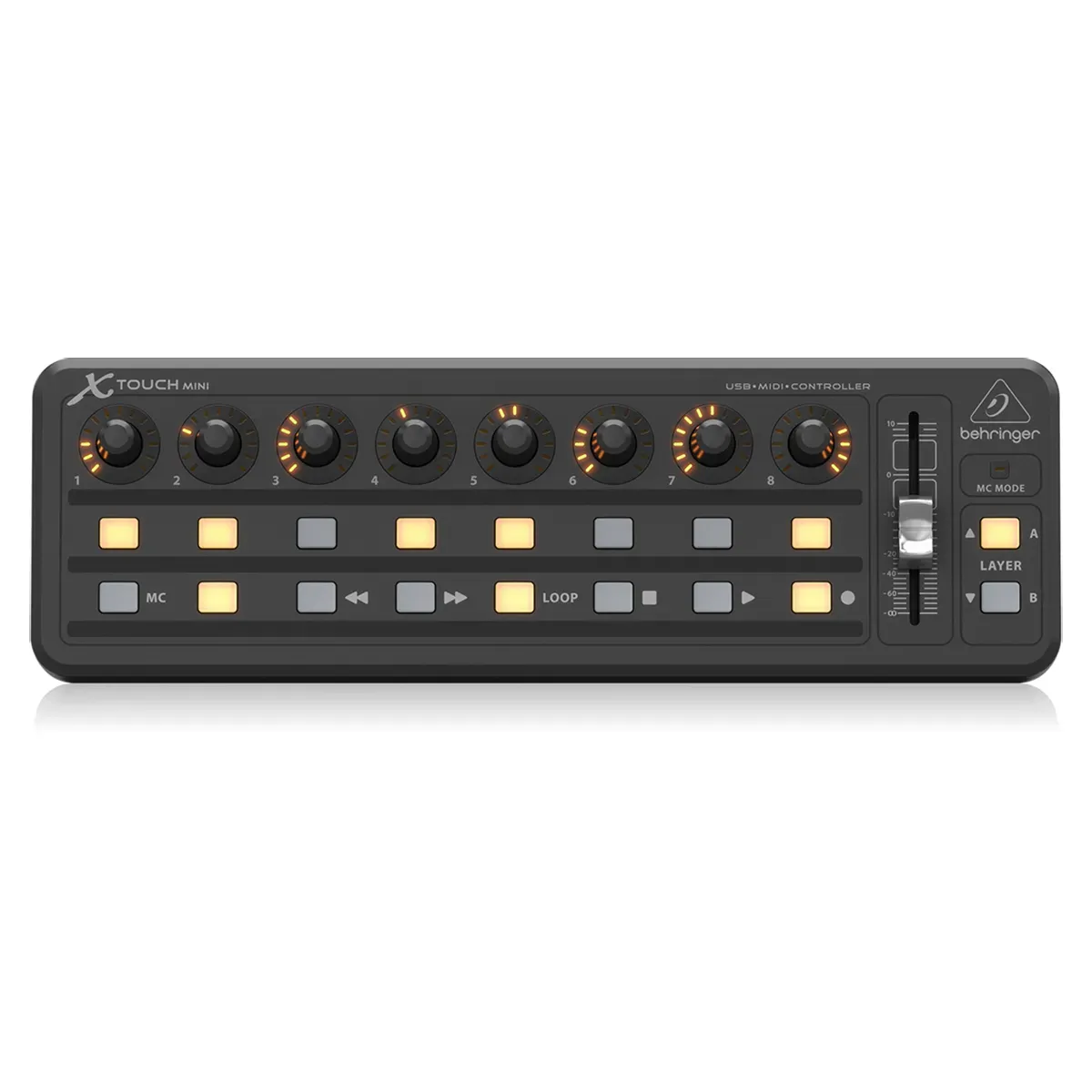
  • Hands-Free Control with MIDI: Connect a MIDI controller and start or stop live translation without ever touching the computer. Map a physical button to start, another to stop — or use a single button to toggle — right from your Settings. Set it up once, and it's ready for every service.

  • Glance-and-Know LED Feedback: Your mapped button lights up while you're recording, so a single look at the board tells you you're live — no need to turn back to the screen.

  • Leave the Translation Page While Recording: Your recording now keeps running as you move around the app. Jump to your announcements, check a preparation, or open settings mid-service — your live translation never skips a beat.

  • Always-Visible Recording Indicator: A new indicator in the top bar shows your running recording time wherever you are, with quick Stop and back-to-translation buttons always within reach. (In manual mode, we'll still check with you before you leave, since that mode needs you on the page.)

To get started:

  • Go to Settings

  • In “Speech-to-text settings” you will see MIDI controls

  • Grant permissions for the browser to use MIDI

  • Connect your MIDI controller to your computer

  • Either select 2 Buttons (one for start, one for stop) or 1 Button (same button for start/stop)

  • Click on Listen

  • Press the button on your MIDI controller to connect


A note on desktop apps: Because modern browsers now support MIDI controllers directly, we're no longer planning to release a dedicated native Mac or Windows application — everything you need works right in your browser. If a native desktop app is still important for your church, please reach out and let's talk.

ImprovedAdmin

Mobile app & Admin app enhancements

🌐 Mobile & Access Improvements

  • Auto-Language Detection: To make the first steps even easier, the app now automatically uses your phone's system language as the default during signup.

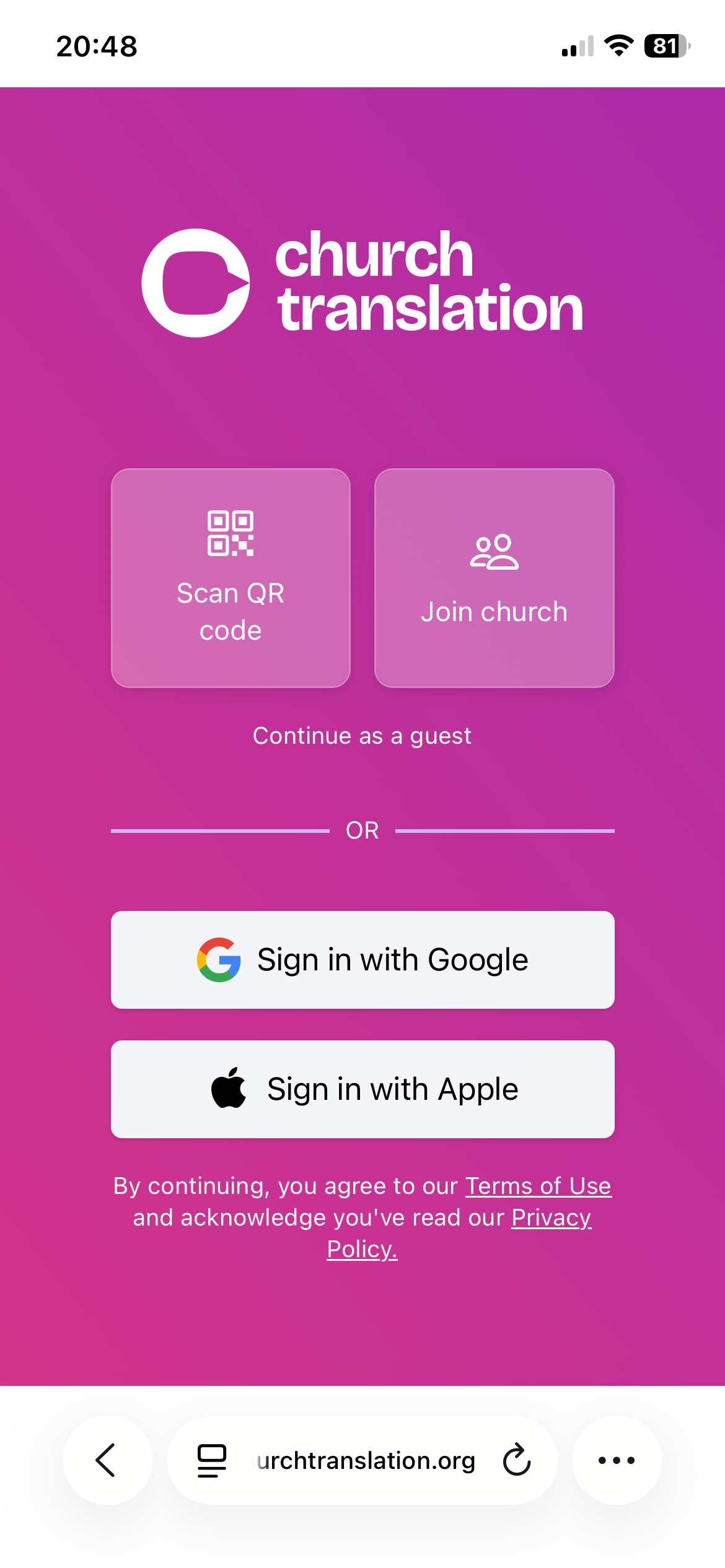
  • Simplified Mobile Sign-In: Users can now simply scan a QR code directly from the app to join a session instantly.

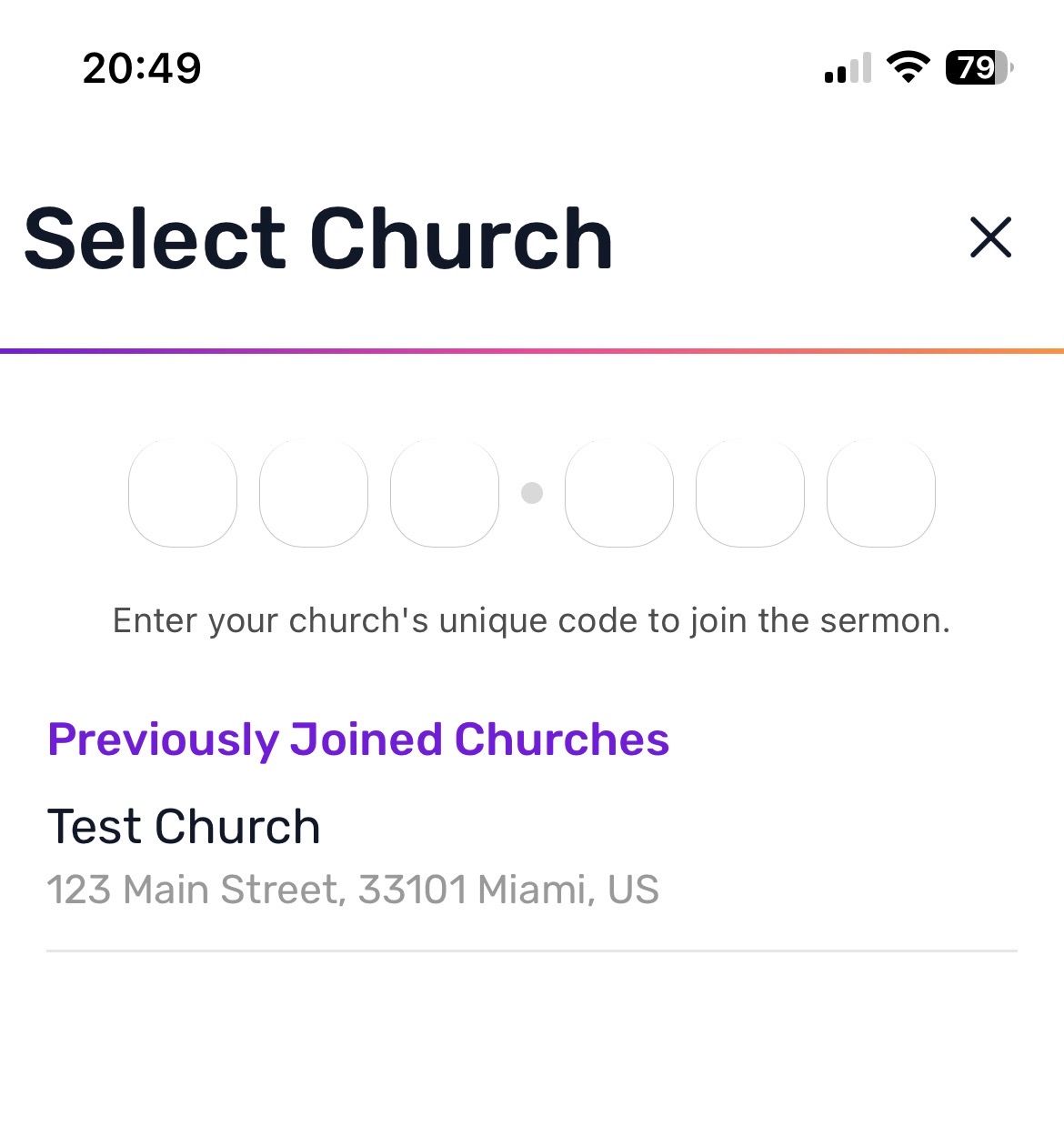
  • 6-Character Codes: We’ve shortened sign-in codes to 6 characters for easier manual entry.

  • Backwards Compatibility: All your old QR codes will still work perfectly—no need to print new ones!

  • Persistent Church History: Users can now see a list of previously joined churches, even when signing in with a new guest account.


👤 Account & Profile Management

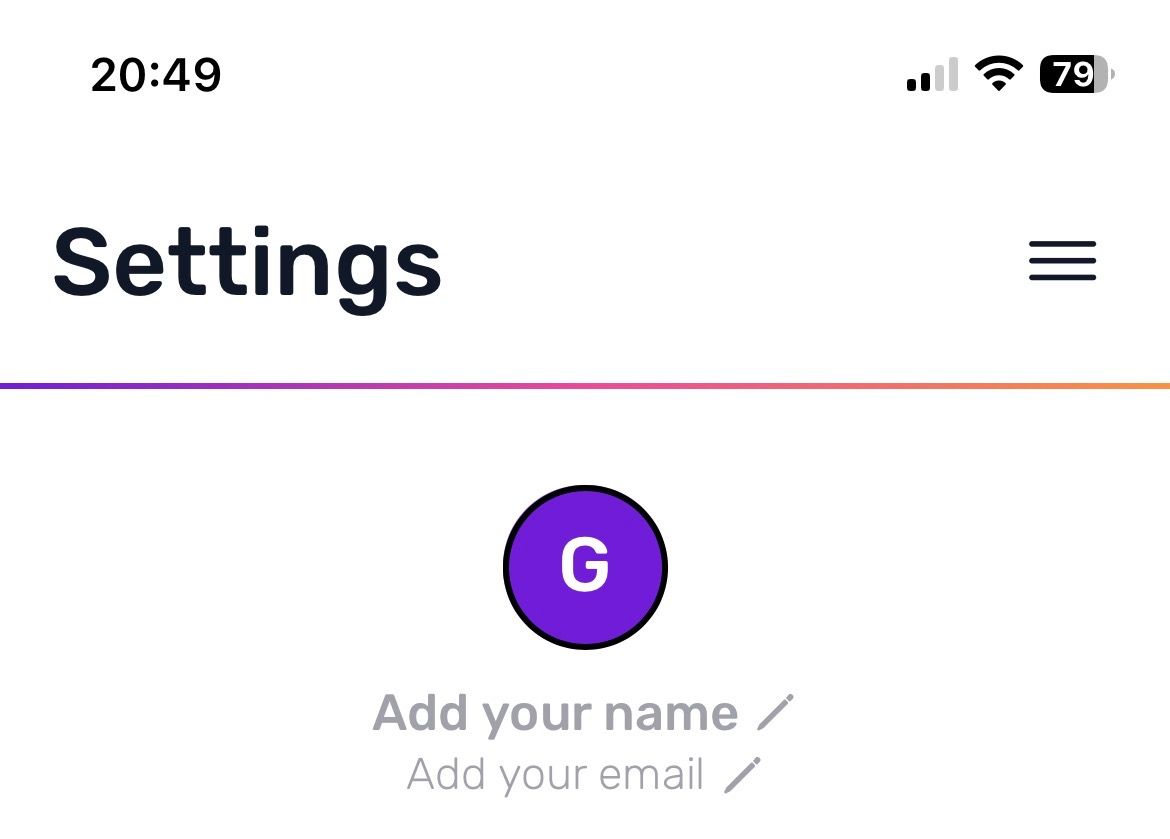
  • Guest to Permanent: Seamlessly transform a guest account into a permanent one without losing your history.

  • Social Sign-In: Link or sign in using Google or Apple directly within the settings menu for a faster login experience.

  • Profile Updates: You can now update your name and email address directly in the settings.


🎙️ Admin, Support & Community

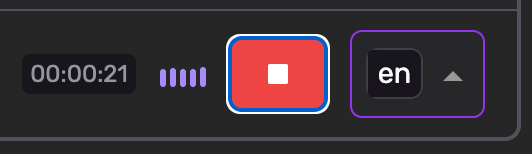
  • Audio Recording Indicator: The Translations page now features a live audio indicator while recording, providing visual peace of mind that your stream is active.

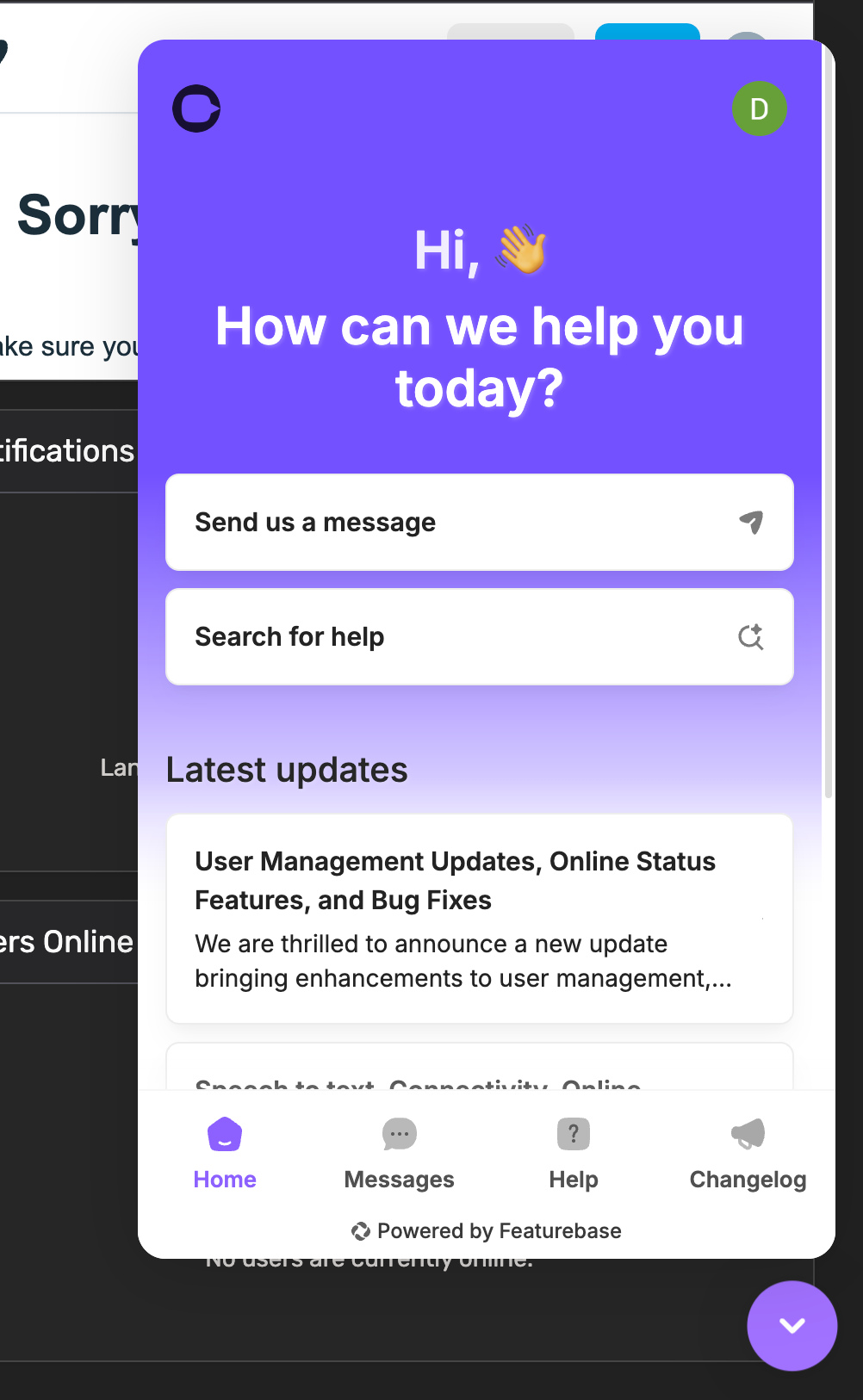
  • New Help & Feedback Hub (Featurebase): We’ve integrated Featurebase to host our Helpcenter, Changelog, and public Roadmap.

    • AI Support Chat: Use the new chatbox to talk to an AI trained on our Helpcenter for instant answers, or connect with me directly.

    • Your Voice Matters: We have optimized our internal processes to deliver new features even quicker. Please use the Featurebase/Chat integration to request new features or upvote ideas from others! This helps us prioritize what matters most to your church.

    • https://churchtranslation.featurebase.app/roadmap


🚀 Coming Soon

  • Church Announcement Page: Admins will soon be able to create formatted announcements that appear in the mobile app in the visitor's selected language.

  • App Store & Play Store Launch: Native iOS and Android apps are in final testing and will be submitted shortly after the Announcement feature is finalized.

  • Desktop Admin Apps: Native macOS and Windows versions are coming to allow recording control via external hardware.

Earlier updates