Chinese, Serbian and Mongolian Phones Can Open the App Again
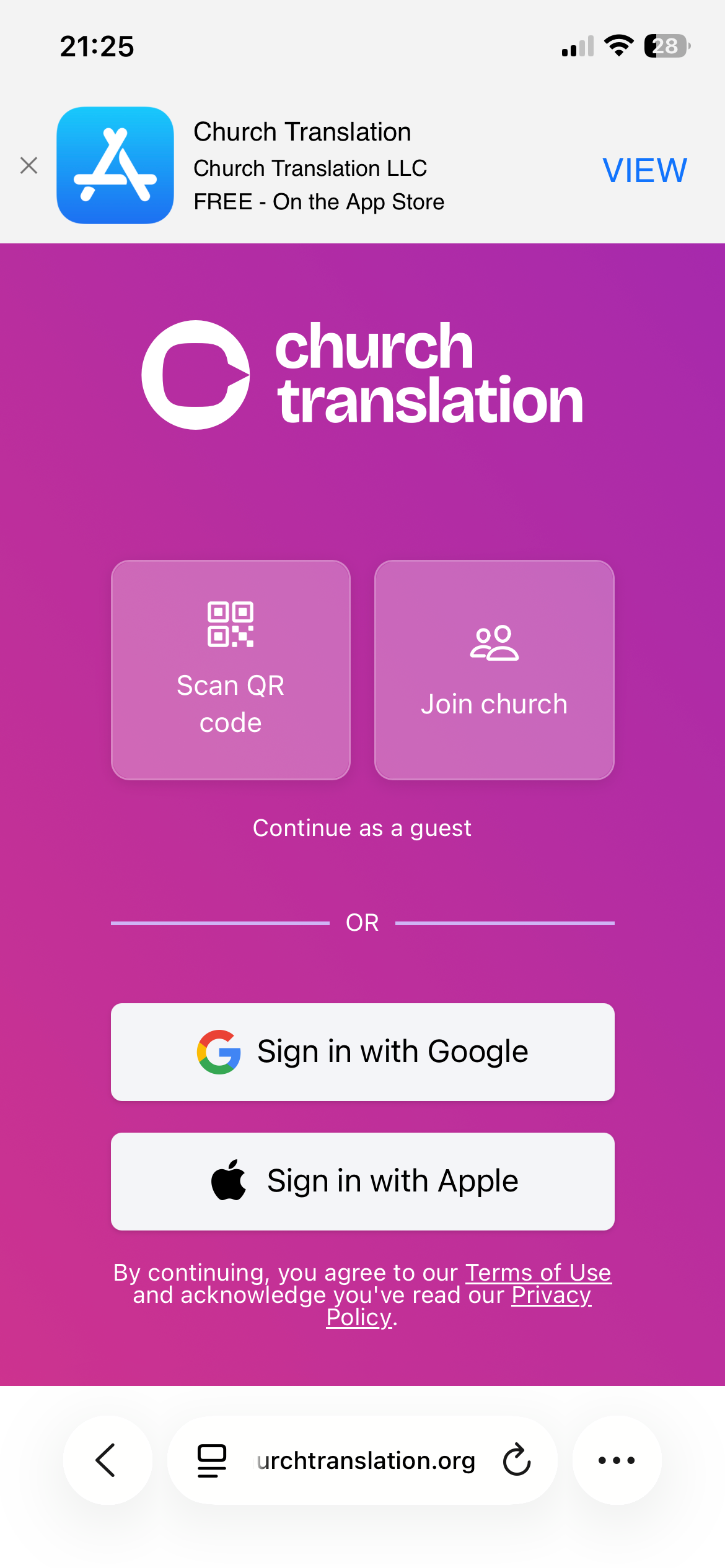
If a visitor's phone was set to Chinese, Serbian or Mongolian, the app let them down. The translation itself appeared, but the menu button did nothing at all — no settings, no language picker, no archive, no announcements, and no error to explain it. Every other phone language worked normally, which made it hard to spot. This is fixed for everyone on those three languages.
- The menu opens again: Tapping the menu button now opens it, on every phone language. A visitor can reach the language picker, the archive and their settings the way everyone else always could.
- The app arrives in their language: A phone set to Chinese now opens in Chinese, and it tells the two apart — Traditional stays Traditional, Simplified stays Simplified. The same goes for Serbian and for Mongolian.
- Nothing to set up: No setting changed, and there is nothing for you to switch on. The next time an affected visitor opens your QR link, it simply works.
- The old workaround can be retired: If you have been telling visitors to set their phone to English first, open the link, then pick their language by hand, they can stop. Anyone who did that keeps the language they chose.
One thing worth knowing: the phone's language is only ever a starting point. It is read the first time a visitor opens the app, and after that the language they pick inside the app wins — so a visitor who has already chosen German keeps German no matter what their phone says. If someone was affected and picked English to get around this, they will want to switch to their own language once, in the app.