Changelog

Follow new updates and improvements to Church Translation.

Stop Paying for Languages Nobody Is Listening To

Church Translation charges per active language, and until now a language stayed on your list forever. One visitor who picked Ukrainian last spring has been adding to the bill at every service since — whether or not anyone read it. This release lets your language list follow your actual congregation.

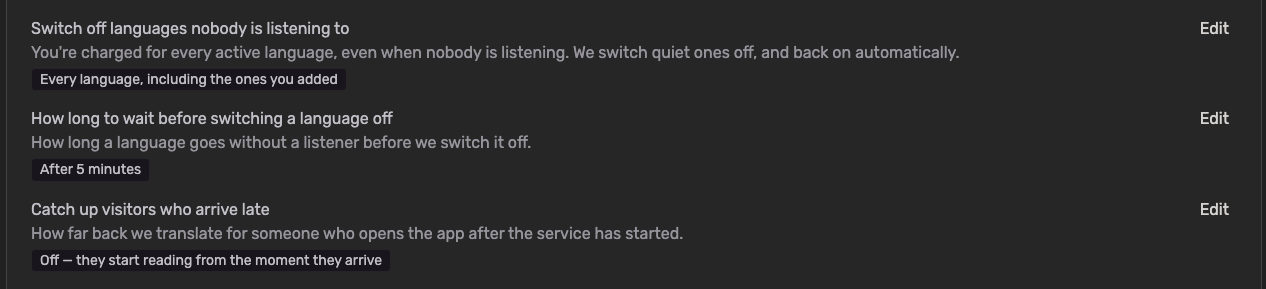
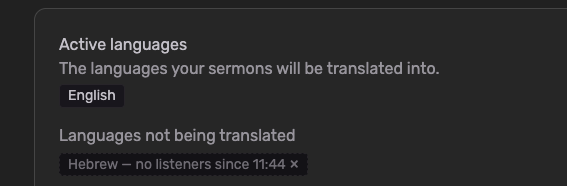
  • Languages switch off when nobody is listening: Set how long a language may go without a listener — anything from 1 minute to 24 hours — and Church Translation switches it off on its own. Nothing is deleted. The language simply stops being translated, and stops being charged.

  • They come back by themselves: The moment a visitor with that language opens the app, it switches back on within seconds. No tap on the language picker, no approval from you, nothing for them to notice.

  • You choose how far it reaches: Switch off only the languages visitors added themselves, or every language including the ones you added yourself.

  • The language you speak is never touched: Your speech-to-text language always stays on. So does a language showing on the projector while you're translating — the projector serves exactly the people who aren't holding a phone.

  • Off for your church until you switch it on: If you were already with us, nothing changes. Your languages behave exactly as they did yesterday until you turn this on yourself.

To get started:

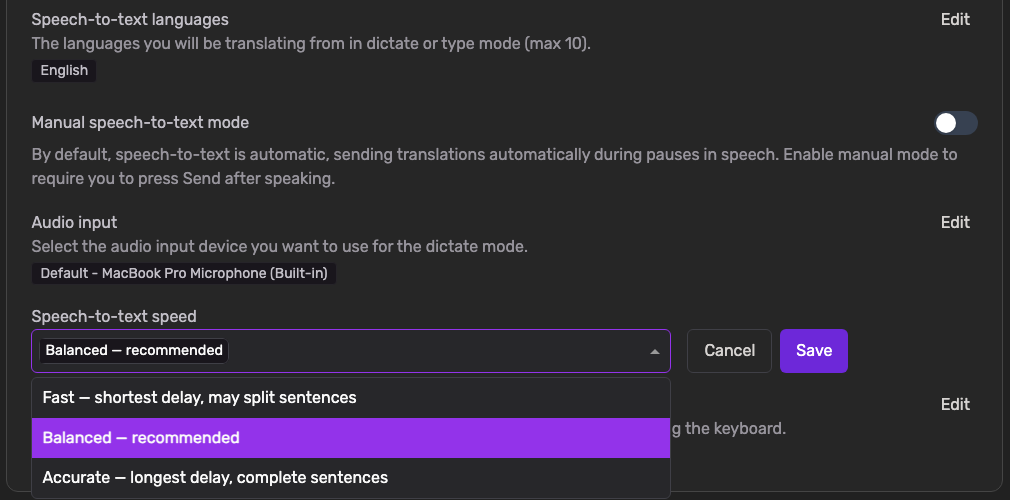
  • Go to Settings → Translation Settings

  • Find "Switch off languages nobody is listening to" and click Edit

  • Choose "Languages visitors added themselves" or "Every language, including the ones you added", then Save

  • Under "How long to wait before switching a language off", pick your window. Churches joining today start on After 5 minutes

  • Optionally, under "Catch up visitors who arrive late", decide how much of the service a latecomer gets translated. This is Off by default, because catching someone up costs translation

One thing worth knowing: the saving comes from not translating into a language nobody was listening to — so the archive for that stretch has nothing in that language to show. Rather than leaving it blank, we show the words in the language spoken at the service, with a short note explaining why. If members of your church read the archive back during the week without ever joining live, a longer window keeps more of it in their own language.

NewAdminMobile app

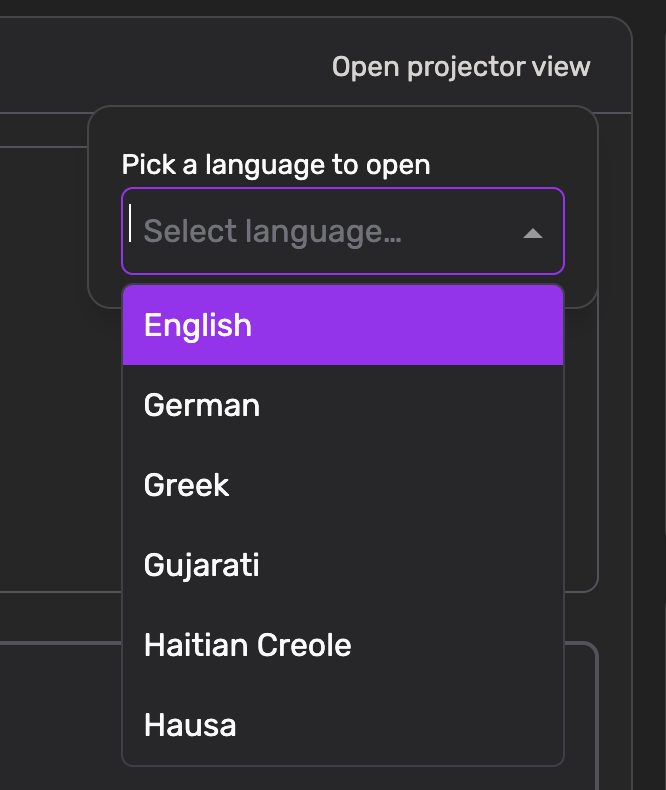
Projector view

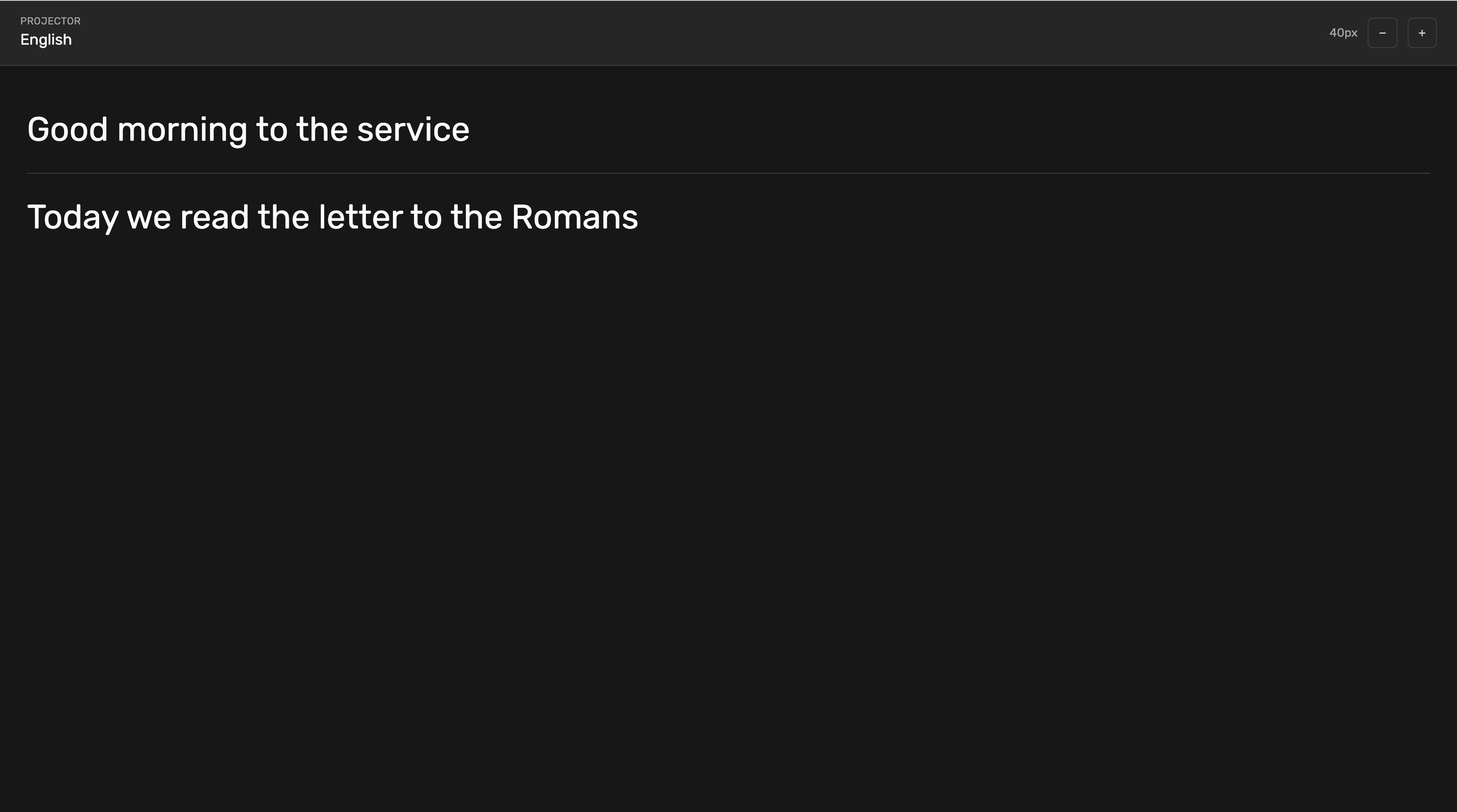
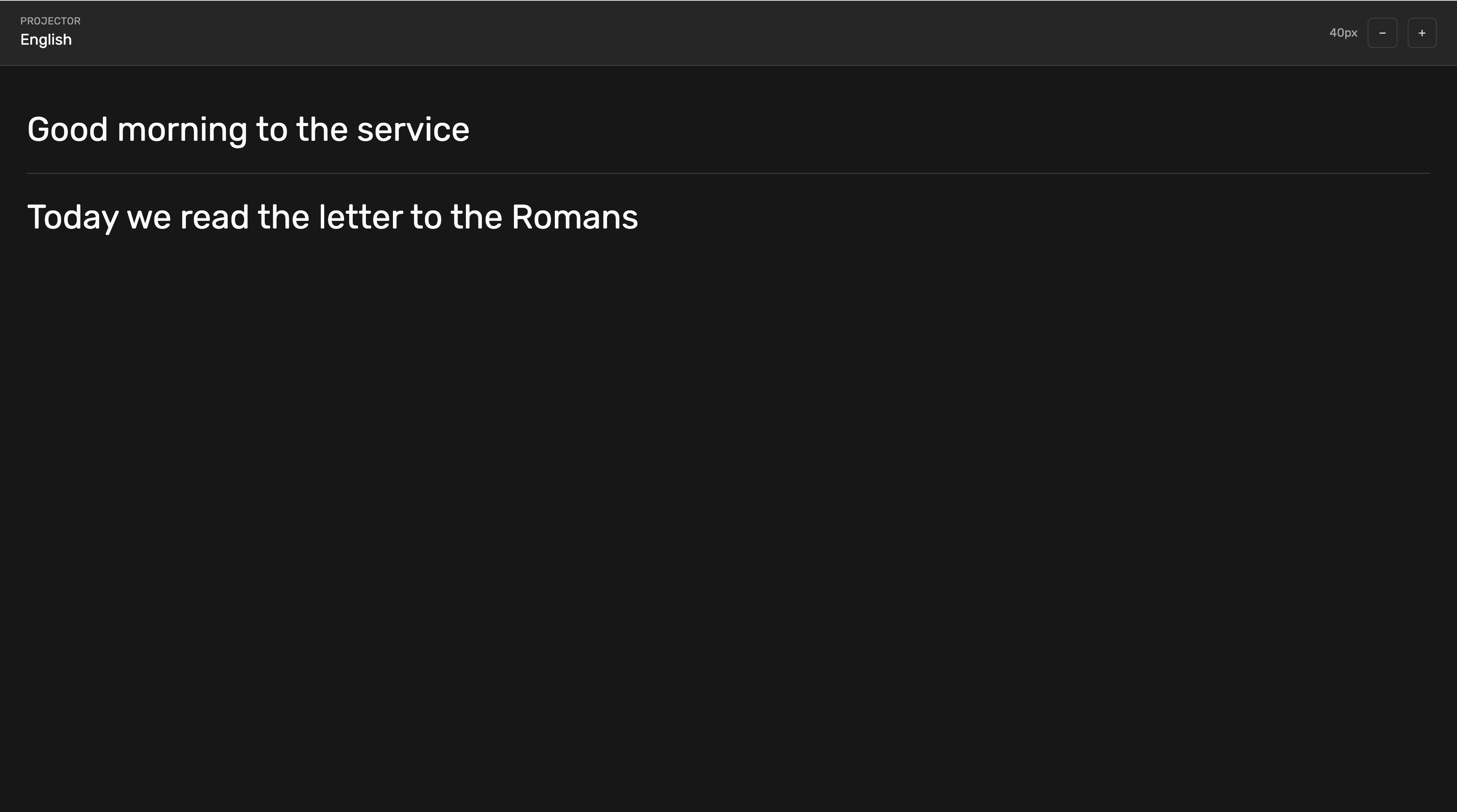
The new Projector Page allows you to move beyond individual mobile devices and share the message with the whole room.

  • Big Screen Ready: On the Translations page, you can now open a dedicated "Projector" view designed specifically for large screens and church projectors.

  • Focused Language Support: Select a single language to be displayed in a large, readable format for your audience.

  • Real-Time Shared Experience: Ensure that visitors without the mobile app can still follow along with the service in the selected language.

  • Simple Setup: Launch the projector view with just one click directly from your existing translation dashboard.

NewAdmin

Stay Connected with Church Announcements

Communication just got a lot easier. With our new Announcements feature, church leaders can share important updates directly with the entire community.

  • Create with Ease: Administrators can now add and manage announcements directly within the Admin App.

  • Custom Styling: Make your messages stand out! You can now style your text to highlight the most important information.

  • Engagement Insights: Stay informed on your reach. In the Admin App, you can now see exactly how many mobile users have viewed each announcement.

  • Live Preview: See exactly how your message will look before it goes live. You can now preview the announcement in the Admin App before saving it for the congregation.

  • Native Language Access: Every announcement is automatically translated into all languages currently activated for your church. Mobile users will see the announcements instantly in their own selected language within the app.

  • Visual Indicators: Mobile users will see a red marker in the app whenever a new announcement is created or updated, ensuring no update goes unnoticed.

NewAdminMobile app

Earlier updates